



Blog
Troubleshooting ABB Inverter Fault Codes Guide

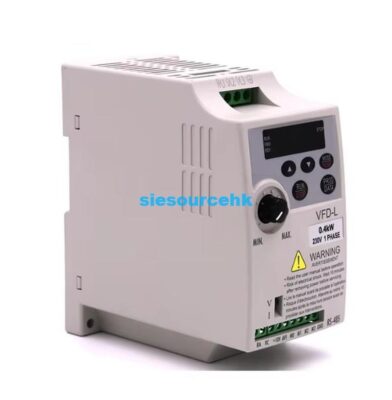
Managing industrial automation systems requires a deep understanding of how to interpret diagnostic signals quickly. When an industrial drive stops, the ABB inverter fault codes displayed on the control panel are your first line of defense. These alphanumeric indicators act as a direct communication link between the drive’s internal processor and the maintenance technician. I have spent many years working with various ACS series drives in demanding factory environments across the globe. Identifying the root cause of a trip can mean the difference between minutes or hours of downtime. Consequently, mastering these codes allows you to restore production efficiency and protect expensive motor windings from damage. This guide will help you navigate the most frequent alarms and provide actionable steps for resolution.
Understanding Common Overcurrent and Voltage Alarms
One of the most frequent issues encountered in the field involves overcurrent trips, often labeled as F0001. This specific fault occurs when the drive output current exceeds the internal trip limit of the hardware. You should check the motor load and ensure there are no mechanical blockages in the driven equipment. Additionally, inspect the motor cables for short circuits or insulation failures that might cause sudden current spikes. Transitioning to voltage issues, F0002 represents a DC overvoltage condition that typically happens during deceleration. This often indicates that the braking chopper or resistor is not absorbing enough regenerative energy.
On the opposite end, F0006 signifies an undervoltage condition where the DC bus drops below the safe limit. This can be caused by a missing input phase or a significant voltage drop in the main supply. You must verify the incoming power stability using a calibrated multimeter to ensure it matches the drive’s rating. Furthermore, check the internal fuses and the state of the charging circuit components within the inverter unit. Sustained undervoltage can lead to erratic behavior and potential hardware failure if the unit is not properly protected. Consistent power quality is essential for the longevity of your high-performance ABB inverter systems.
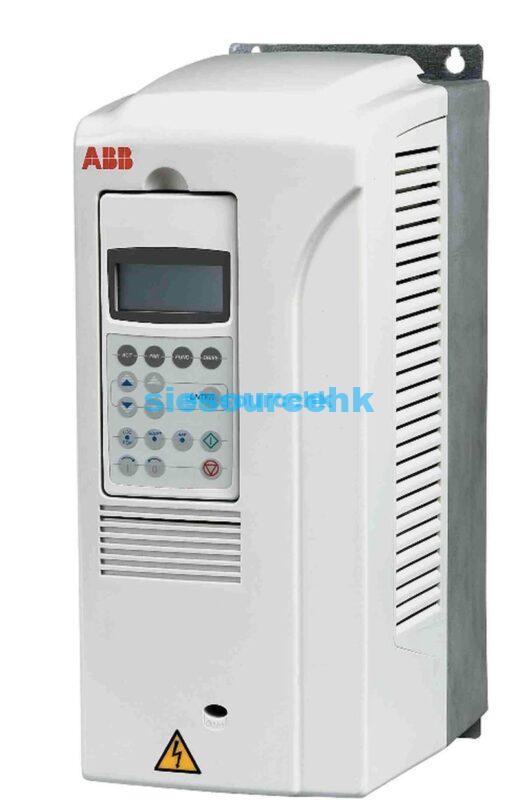
Diagnosing Thermal and Sensor Communication Errors
Temperature-related faults like F0003 indicate that the drive’s internal heat sink has exceeded its maximum safe operating temperature. You should immediately verify if the cooling fans are spinning freely and clear of any dust accumulation. In many cases, an obstructed air intake or a high ambient room temperature is the primary culprit. Furthermore, ensure that the cabinet ventilation is sufficient to handle the heat dissipation of all installed electronic components. If the fan has failed, it must be replaced with an original manufacturer part to maintain proper airflow.
Sensor-related errors such as F0010 often point to a loss of the analog input signal or a communication break. This usually happens when a 4-20mA or 0-10V signal wire becomes disconnected or suffers from electromagnetic interference (EMI). You should check the wiring integrity and ensure that shielded cables are used for all low-voltage signal paths. Additionally, verify the parameter settings to ensure the drive is looking for the correct signal type at the input terminals. If the fault persists, testing the external controller or potentiometer can help isolate whether the issue is internal or external. Reliable feedback loops are critical for precise motor speed control and process stability.
Implementing Preventative Maintenance for ACS Series
Proactive maintenance is the best way to prevent the sudden appearance of ABB inverter fault codes during production. I recommend performing a thermal scan of the power terminals every six months to identify loose connections. Loose wiring can create high-resistance points that lead to localized heating and eventual component failure. Moreover, cleaning the air filters regularly prevents the accumulation of conductive dust that can cause internal short circuits. You should also check the DC bus capacitors for any signs of leakage or physical bulging during your inspections.
Updating the drive firmware is another vital step that many technicians often overlook during their routine maintenance cycles. Manufacturers frequently release updates that improve the diagnostic capabilities and the robustness of the protection algorithms. Keeping the software current can help eliminate “ghost faults” caused by minor software bugs in older versions. It is also important to maintain a backup of all parameter settings on a separate PC or memory card. This allows for a rapid recovery if the control board needs to be replaced after a major electrical surge. Documentation of every fault event helps in identifying long-term patterns and improving overall system reliability.
Sourcing Reliable Drive Components for Industrial Use
Selecting the right hardware is the first step in building a resilient automation system that minimizes error events. High-quality drives, such as the ACS150 series, are designed to provide consistent performance in a variety of light industrial applications. These units offer built-in features like a braking chopper and an integrated user interface for easy troubleshooting and parameter setup. By choosing proven technology, you reduce the likelihood of encountering unexpected ABB inverter fault codes due to hardware limitations. Investing in reliable equipment leads to a more predictable and profitable manufacturing process.
For those looking to expand their current systems or replace aging components, our platform offers a wide selection of specialized drives. We provide authentic hardware that meets strict international standards for safety and efficiency in industrial environments. Our technical team can assist you in selecting the correct model for your specific motor and load requirements. We focus on providing solutions that integrate seamlessly into your existing control architecture with minimal configuration effort. You can explore our detailed product specifications and current availability by visiting the ABB inverter ACS150 product page for more information.
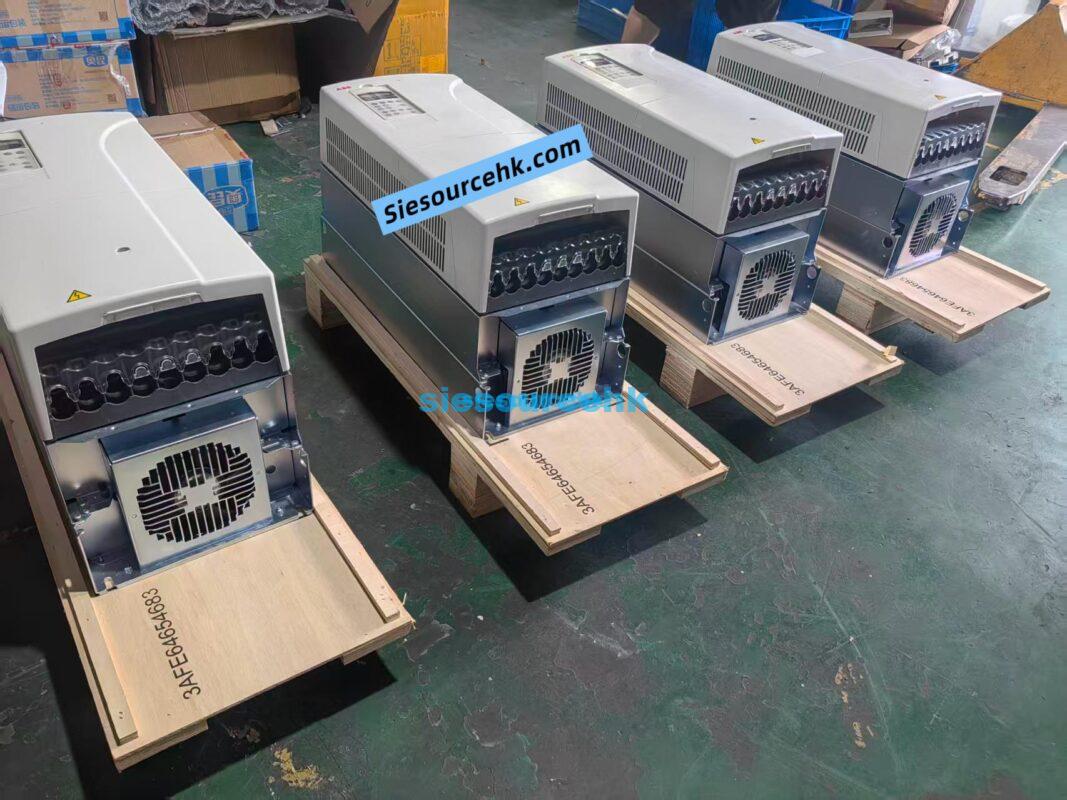
Summary of ABB Inverter Fault Management
Managing ABB inverter fault codes requires a systematic approach of identifying the code, checking physical connections, and verifying environmental conditions like cooling and power stability. By implementing a consistent preventative maintenance schedule and sourcing high-quality industrial components, you can effectively minimize system trips and ensure the long-term operational health of your motor control infrastructure.
| ACS800-01-0120-3+E200+ON664 | ACS800-01-169A-3+P944+D150+N5050+FPN0-21+FEN-11+N8015 | ACS800-01-0100-3+P901+D150+N671+L502+K454 | ACS800-01-0020-5+E202+L502 |
| ACS800-104-320-3+V991 | ACS800-01-0140-5+P901 | ACS800-01-0100-3+D150+P901 | ACS800-01-0020-5+E200 |
| ACS800-104-0580-7+E205+V991 | Acs800-04-0165-3 | ACS800-01-0120-3 | ACS800-01-0025-3+D150+P901 |
| ACS800-104-0050-5+Q967 | Acs800-04-0165-3 | ACS800-01-0120-3+D150 | ACS800-01-0016-3+E202+K454+L503 |
| ACS800-01-0075-3+P901 | ACS800-01-0135-3 | ACS800-01-0075-3+E210+P901 | ACS800-04-0011-3+K454+L503 |
| ACS800-104-0580-7+E205+V991 | ACS800-04-120 | ACS800-01-0060-3 | ACS800-U1-0009-5+D150+E202+P901 |
| ACS800-04-0120-3+D150+J400+P901 | ACS800-04-0170-3+D150+N652+P901 | ACS800-01-0050-3+E202+K454+L503 |
FAQ
1. How do I reset a fault on an ABB inverter?
You can usually reset a fault by pressing the “RESET” button on the control panel or by toggling the digital input assigned to the reset function. However, the cause of the fault must be resolved first, or the trip will immediately reappear.
2. What should I do if the inverter displays “ALM” instead of a fault?
An “ALM” or alarm indicates a warning condition that does not yet stop the drive, such as a high-temperature warning. You should investigate the cause immediately to prevent it from escalating into a full fault trip.
3. Can I disable certain fault protections in the parameters?
While some non-critical protections can be adjusted or delayed, disabling safety-critical faults like overcurrent or ground fault is not recommended. Doing so can lead to permanent hardware damage or hazardous conditions in your facility.
4. Why does my drive show a “Serial Communication Loss” fault?
This typically indicates a break in the Modbus or Fieldbus connection between the drive and the PLC. Check the RJ45 connectors, termination resistors, and the communication timeout parameters in the drive settings.
5. How can I see the history of past faults?
Most ABB drives have a “Fault Logger” or “Fault History” menu (usually Parameter Group 04). This log stores the most recent fault codes along with timestamps and operational data at the moment of the trip.
Official Data and Reference Sources: