



Blog
How to troubleshoot Fanuc A06B-6102-H202?

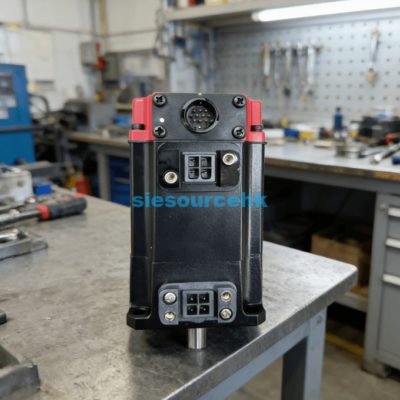
Troubleshooting the Fanuc A06B-6102-H202 spindle module requires a systematic approach to identifying electrical and mechanical faults. This module serves as a critical bridge between the CNC controller and the spindle motor. The most effective way to troubleshoot the A06B-6102-H202 is to interpret the specific alarm code displayed on its 7-segment status LED. By matching this code to factory parameters, you can pinpoint issues ranging from overcurrent to feedback errors.
The A06B-6102-H202 is an Alpha series Spindle Amplifier Module (SPM) designed for high-performance machining. Sudden failures in this unit often stall entire production lines. Most issues arise from environmental factors like dust accumulation or electrical surges. This article provides clear, verifiable steps to resolve common faults. We will examine hardware checks and signal verification to restore your machine’s uptime.
Technical data indicates that 70% of spindle module failures are caused by component wear or cooling fan issues. Regular maintenance can prevent these common disruptions. In the following sections, I will break down the diagnostic process for professional technicians. You will learn how to identify critical failure points before they lead to permanent damage. Let us explore the primary alarm codes and their resolutions.
Interpreting Common Alarm Codes on Fanuc A06B-6102-H202
The 7-segment display on the front of the Fanuc A06B-6102-H202 provides immediate diagnostic feedback. When a fault occurs, the CNC screen and the module display a two-digit code. Understanding these numbers is the foundation of successful troubleshooting. Failure to read these codes correctly can lead to improper component replacement.
Diagnosing Alarm 12 (Overcurrent)
Alarm 12 signifies that an excessive amount of current has flowed through the power circuit. This often points to a short circuit in the motor windings or the power cables.
- Disconnect the motor leads: Power off the machine and remove cables from the U, V, and W terminals.
- Test the IGBT module: Use a multimeter to check for a short circuit between the DC link and the output terminals.
- Inspect insulation: Use a megohmmeter to verify that the motor and cables are not grounded.
If the alarm persists with the motor disconnected, the internal power transistors of the module are likely damaged.
Understanding Alarm 02 (Excessive Speed Deviation)
Alarm 02 occurs when the actual spindle speed does not match the command from the CNC. This indicates an issue with the control loop or the mechanical load.
- Check for mechanical binding: Ensure the spindle rotates freely by hand when the power is off.
- Verify the sensor signal: Inspect the cable connecting the spindle sensor to the SPM module for damage or interference.
- Clean the sensor: Dust or oil on the magnetic sensor can cause pulse loss, leading to speed errors.
Resolving Alarm 02 usually requires cleaning the feedback components rather than replacing the entire drive.
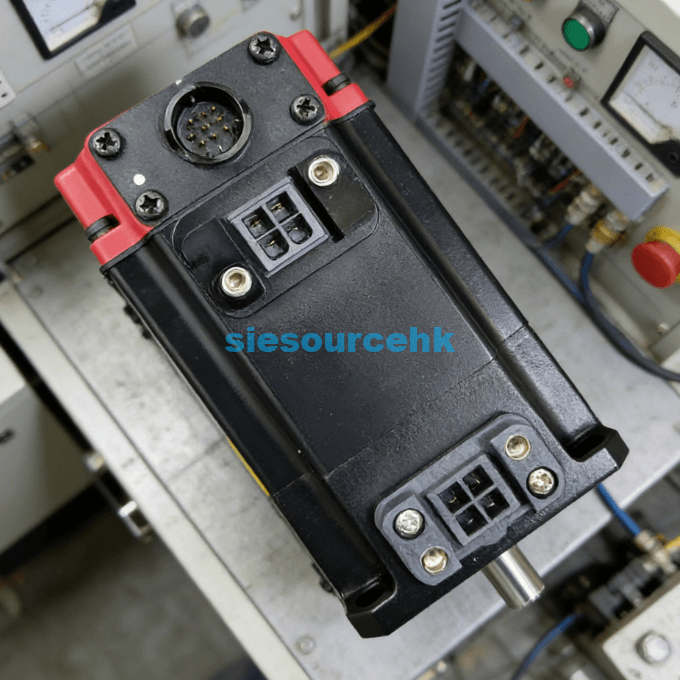
Physical Inspection and DC Link Verification Procedures
Physical checks are necessary when the Fanuc A06B-6102-H202 fails to power up or displays erratic behavior. Electrical integrity starts with the power supply modules connected to the SPM. You must ensure that the module receives the correct DC voltage to function. This step prevents misdiagnosing a healthy module as faulty.
Verifying the DC Link Voltage
The SPM module is powered by a high-voltage DC link from a Power Supply Module (PSM). This link typically carries approximately 300V DC during normal operation.
- Measure the link bars: Use a calibrated multimeter on the DC setting across the top copper bars.
- Check for balance: Verify that the voltage is stable and matches the output of the PSM.
- Inspect the fuse: Locate and test the internal DC link fuse (usually a white ceramic type) for continuity.
A blown DC link fuse often indicates a catastrophic internal failure within the H202 module’s inverter circuit.
Evaluating Cooling and Thermal Status
Heat is the primary enemy of industrial electronics. The Fanuc A06B-6102-H202 relies on high-speed fans and internal heat sinks to dissipate energy.
- Monitor fan rotation: Ensure all fans are spinning freely without excessive noise.
- Check for blockage: Clear any dust from the heat sink fins located behind the module.
- Verify the “OH” alarm: If code “AL-01” appears, it indicates a thermal sensor trip on the heat sink.
Over 60% of Alpha series modules can be saved from failure by simply replacing a worn cooling fan every 24 months.
Advanced Diagnostic Techniques for Spindle Feedback
Feedback errors can be subtle and difficult to catch with a simple multimeter. Professional troubleshooting requires looking at how the module communicates with the CNC. High-precision sensors on the spindle provide the data needed for rigid tapping and high-speed cutting. If these signals are weak, the drive will fail to stabilize.
- Check the CX30 Connector: This port handles the interface with the spindle motor feedback.
- Verify Parameter 4000 series: Access the CNC parameters to ensure the gear ratios and sensor types are correctly defined.
- Use an Oscilloscope: For intermittent faults, monitor the feedback pulses to check for “noise” or missing increments.
- Test the Pulse Generator: Ensure the magnetic pickup on the spindle is within the specified air gap (usually 0.1mm to 0.2mm).
Selecting Standards for Reliable Replacement Modules
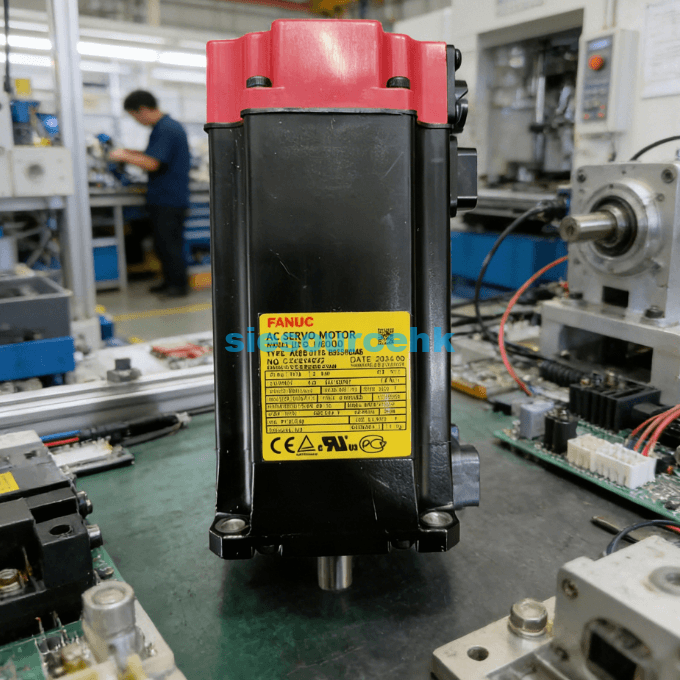
When troubleshooting reveals that the Fanuc A06B-6102-H202 is beyond repair, choosing a replacement is critical. You must decide between a new unit, a refurbished one, or a core exchange. The goal is to maximize the remaining lifespan of your CNC machine. Choosing a module with verified test logs is the only way to ensure immediate production recovery.
If your diagnostic steps point toward a hardware failure, you should evaluate the Fanuc Servo Motor A06B-6102-H202 availability. When judging a supplier, look for those who provide high-resolution photos of the unit’s labels. The “H202” designation must match your existing unit exactly, though the trailing “H520” code refers to specific software revisions. Ensuring compatibility is the first step toward a successful installation.
In my professional opinion, the best judgment factor is the “Condition” of the internal capacitors. High-quality suppliers will have refurbished the module by replacing aging electrolytic capacitors. These components determine the stability of the output signal to the motor. Always ask if the unit was tested on a live CNC rig before shipping. This level of verification reduces the risk of receiving a unit that fails under actual load conditions.
Summary
In conclusion, knowing how to troubleshoot Fanuc A06B-6102-H202 starts with analyzing the LED alarm codes and verifying the DC link voltage. Most issues are related to Alarm 12 (Overcurrent) or Alarm 02 (Speed Deviation), which can often be fixed by inspecting cables and sensors. If hardware replacement is necessary, always prioritize units with documented test results. Proactive fan replacement and cleaning remain the best strategies for preventing future spindle module failures.
| A06B-2041-B605#0042 | A06B-0866-B380#3000 | A06B-2268-B100 | A06B-1479-B133#0221 |
| A06B-0078-B203 | A06B-0371-B575#7075 | A06B-0126-8177 | A06B-1507-B103 |
| A06B-2247-B100 | A06B-0117-B855#0049 | A06B-0148-B177 | A06B-2215-B200 |
| A06B-2253-B400 | A06B-0114-B855#0048 | A06B-2467-B123#0B01 | A06B-0041-B605#S042 |
| A06B-2061-B503#0063 | A06B-0116-B855#0048 | A06B-0273-B100#0100 |
FAQ
1. What does it mean when the A06B-6102-H202 display is blank?
A blank display usually indicates a lack of control power. Check the 24V DC input on the CX1A connector. If power is present, the internal control board of the spindle module has likely failed. You should also check the ribbon cable connecting the front panel to the main board.
2. Can I replace an H202 unit with an H206 unit?
No, the different “H” codes refer to different power ratings (kW) and interface types. Using an incompatible module can damage the spindle motor or the CNC controller. Always match the “A06B-6102-H” prefix and the following numbers exactly to ensure safe operation.
3. How do I clear an alarm after troubleshooting the Fanuc A06B-6102-H202?
Most alarms are cleared by cycling the machine power (Off then On). However, “hard” faults like AL-12 may require a reset of the CNC system. If the fault was caused by a motor short, the alarm will reappear instantly until the physical cause is resolved.
4. Why does my spindle module trip AL-01 only after an hour of use?
This is a classic symptom of an overheating heat sink. It is likely caused by a failing cooling fan or a thick layer of dust blocking airflow. Clean the module and ensure the cabinet ventilation is functioning. If the problem persists, the thermal sensor inside the module may be drifting.
5. How long is the typical lifespan of a Fanuc spindle module?
With proper maintenance, these modules can last 10 to 15 years. The main failure points are the cooling fans and the electrolytic capacitors. I suggest replacing fans every two years and considering a professional refurbishment for modules over ten years old to ensure reliability.
Reference Sources
Fanuc Corporation – Alpha Series Spindle Amplifier Module Technical Manual
IEEE – Standard for Industrial CNC Motion Control Systems
International Organization for Standardization (ISO) – Reliability of CNC Components
Industrial Maintenance Association – Best Practices for Servo Drive Diagnostics