


Blog
What Is a Server Drive? A Technical Guide to Enterprise Storage

A server drive is the foundational storage component of enterprise computing environments, engineered to operate 24/7/365 under high-intensity workloads. Unlike standard consumer-grade hard drives or SSDs found in laptops, server drives are built with specialized firmware, advanced vibration resistance, and error-correction protocols to ensure data integrity and system uptime in multi-drive arrays.
In data centers and server rooms, these drives must handle simultaneous requests from hundreds of users. Choosing the right drive involves understanding the critical balance between capacity, speed, and endurance—technical factors that directly impact the efficiency of an enterprise IT infrastructure.
Core Differences: Server Drives vs. Consumer Drives
To the untrained eye, a 3.5-inch server hard drive looks identical to a desktop drive. However, the internal engineering is vastly different. Understanding these differences is the first step in maintaining a stable server environment.
1. Duty Cycle and Workload Rating
Consumer drives are designed for “8×5” operations—roughly eight hours a day, five days a week. They expect periods of inactivity. Server drives are rated for “24/7/365” operation at 100% duty cycles. While a consumer drive might have a workload rating of 55TB per year, an enterprise-grade server drive often handles 550TB per year or more without hardware degradation.
2. Rotational Vibration (RV) Sensors
In a server chassis, dozens of drives spin in close proximity. This creates significant vibration, which can cause the head of a standard drive to misalign, leading to “performance droop” or data corruption. Server drives are equipped with RV sensors that detect these micro-vibrations and adjust the drive head in real-time to maintain precision.
3. Error Recovery Control (ERC)
When a consumer drive hits a “bad sector,” it may spend several minutes trying to recover the data. In a RAID environment, if a drive stops responding for more than a few seconds, the RAID controller assumes the drive has failed and drops it from the array. Server drives use Time-Limited Error Recovery (TLER) or ERC to report the error quickly, allowing the RAID controller to manage the data parity without crashing the entire volume.
Primary Types of Server Storage Media
The industry classifies server drives primarily by their mechanical nature and performance characteristics.
| Feature | Enterprise HDD (Hard Disk) | Enterprise SSD (Solid State) |
| Best Use Case | Bulk storage, backups, cold data | Databases, virtualization, high-speed apps |
| Durability | Sensitive to physical shock | Highly resistant to vibration |
| IOPS | Low (75 – 210 IOPS) | Extremely High (Over 500,000 IOPS) |
| Cost per GB | Very Low | Higher |
Hard Disk Drives (HDD)
Modern server HDDs are usually categorized as “Nearline SAS” or “Enterprise Capacity” drives. They typically spin at 7,200 RPM, though legacy mission-critical drives may spin at 10,000 or 15,000 RPM. These are the workhorses for large-scale storage where capacity is more important than raw speed.
Solid State Drives (SSD)
Enterprise SSDs use NAND flash memory. Unlike consumer SSDs, enterprise versions feature “over-provisioning”—extra flash capacity hidden from the user to replace worn-out cells—ensuring the drive lasts for years under heavy write loads. They are categorized by endurance levels:
- Read-Intensive (RI): For web servers and boot volumes.
- Mixed-Use (MU): For general-purpose databases.
- Write-Intensive (WI): For high-frequency trading and logging.
Server Drive Interfaces: SAS vs. SATA vs. NVMe
The interface is the “language” the drive uses to communicate with the server’s motherboard or RAID controller.
SATA (Serial ATA)
SATA is the most common interface, inherited from the consumer world. While cost-effective, SATA is “half-duplex,” meaning it can only send or receive data at one time, not both. It is suitable for entry-level servers or bulk storage where performance isn’t the primary bottleneck.
SAS (Serial Attached SCSI)
SAS is the gold standard for enterprise data centers. It is “full-duplex” (reading and writing simultaneously) and features dual-port connectivity. If one controller path fails, the drive can still communicate through a second path, providing the redundancy essential for high-availability systems.
NVMe (Non-Volatile Memory Express)
NVMe is a protocol specifically designed for high-speed flash storage. By connecting directly to the PCIe bus, NVMe drives bypass the bottlenecks of older SATA/SAS controllers. For modern workloads involving AI, machine learning, and massive databases, NVMe is becoming the industry requirement.
Critical Performance and Reliability Metrics
When evaluating server hardware, engineers look beyond simple “Gigabytes.” The following metrics determine the drive’s fitness for a specific role:
- MTBF (Mean Time Between Failures): Usually expressed in millions of hours. Enterprise drives typically target 2.0 to 2.5 million hours.
- BER (Bit Error Rate): The probability of a data bit being misread. Enterprise SAS drives typically have a BER of 1 in 10^16, significantly safer than the 1 in 10^14 found in consumer drives.
- DWPD (Drive Writes Per Day): A measure of SSD endurance. A 1 DWPD rating means you can overwrite the entire capacity of the drive once every day for the duration of the warranty (usually 5 years).
- Latency: The delay between a data request and the start of the transfer. Lower latency is critical for real-time applications.
Implementation Logic: Choosing the Right Drive for Your Server
Selecting a server drive requires an assessment of your specific workload. A “one-size-fits-all” approach often leads to either system bottlenecks or wasted budget.
- For Cold Storage and Archives: High-capacity 3.5-inch SATA or Nearline SAS HDDs are the most cost-effective. Performance is secondary to capacity.
- For Virtualization (VMware/Hyper-V): High-IOPS SAS SSDs or NVMe drives are required. The “random read” performance is vital here because multiple virtual machines are requesting data simultaneously.
- For Database Servers: NVMe storage with high “Write Endurance” is preferred. Databases involve constant small-block writes that can quickly wear out lower-grade flash memory.
Hardware specialists, such as those at Siesource, emphasize the importance of matching the drive firmware to the server generation. Using a drive without the manufacturer-approved firmware can lead to “unsupported drive” errors in management consoles like Dell iDRAC or HP iLO, which can prevent proper health monitoring.
Product Model
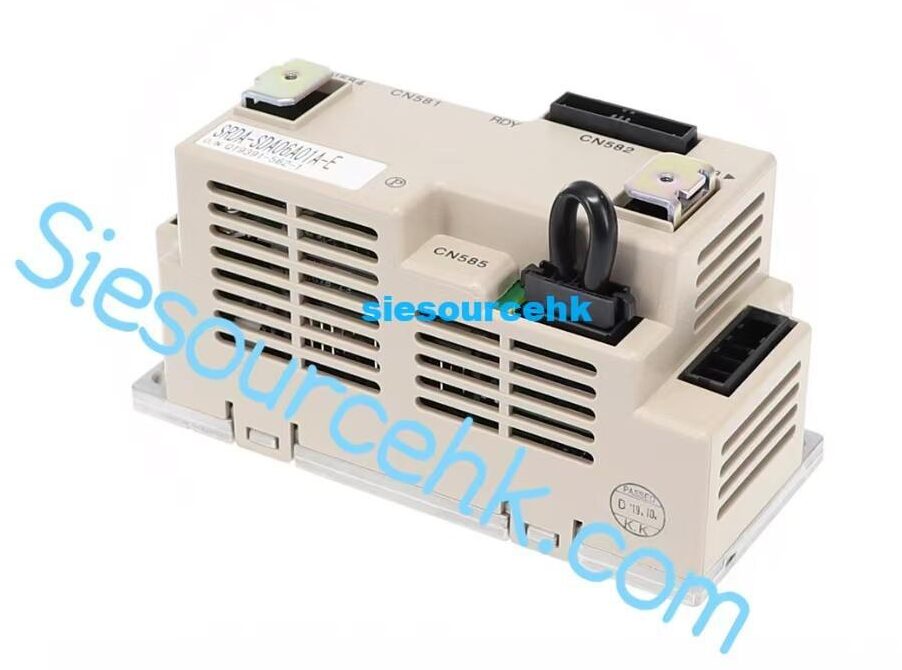
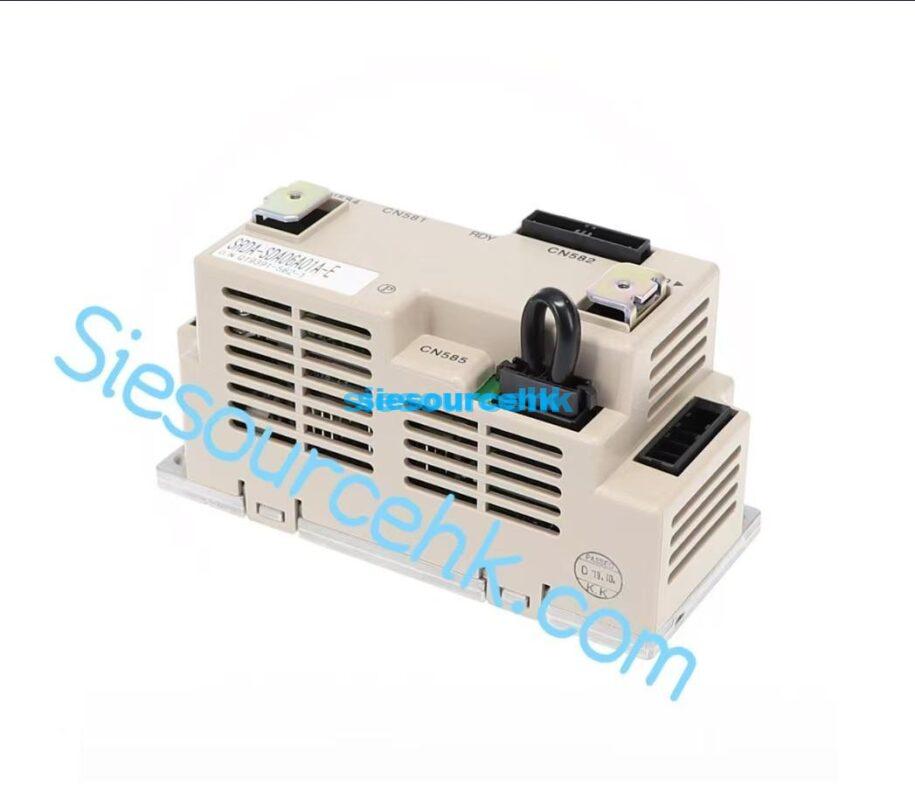
| SRDA-SDA06A01A-E | SRDA-SDA14A01A-E | SRDA-EAXB01A |
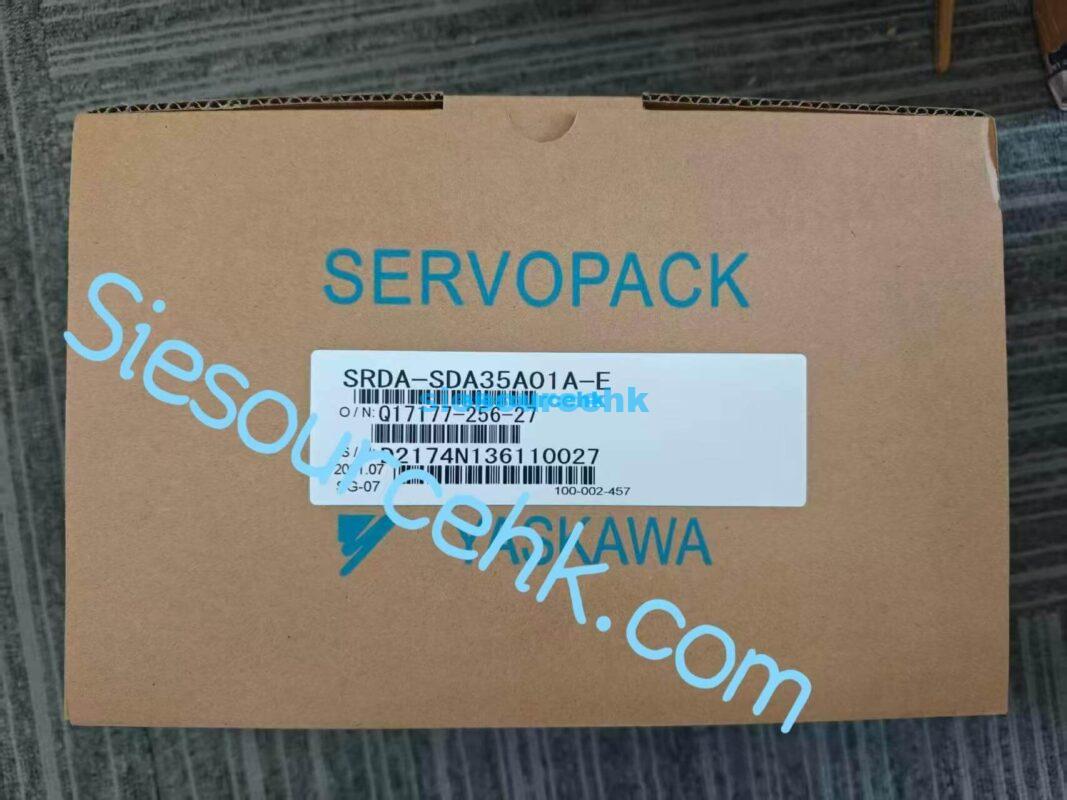
| SRDA-SDA35A01A-E | SRDA-SDA21A01A-E | SRDA-SDA71A01A-E |
FAQ
Can I use a regular PC hard drive in my server?
Technically, yes (if the interface matches), but it is highly discouraged. Consumer drives lack RV sensors and TLER/ERC logic. In a multi-drive server, the vibration will likely lead to premature failure, and the RAID controller may frequently drop the drive, leading to data loss.
What is the difference between SFF and LFF server drives?
SFF stands for Small Form Factor (2.5-inch), commonly used in high-density 1U or 2U servers for SSDs and high-speed HDDs. LFF stands for Large Form Factor (3.5-inch), used primarily for high-capacity HDDs where physical space allows for more storage platters.
Why are SAS drives more expensive than SATA drives?
SAS drives offer dual-porting for redundancy, higher signal voltage for better data integrity over longer cables, and full-duplex communication. They also undergo more rigorous factory testing and quality control than SATA drives.
How do I know when a server drive is failing?
Most enterprise servers use SMART (Self-Monitoring, Analysis, and Reporting Technology) and Predictive Failure Analysis (PFA). If a drive’s reallocated sector count rises above a certain threshold, the server management console will trigger an alert before the drive actually dies, allowing for a hot-swap replacement.
Reference Sources
- SNIA (Storage Networking Industry Association): Solid State Storage Performance Test Specification
- IEEE Xplore: Research on Hard Disk Drive Reliability in Large Scale Systems
- Seagate Technology: Enterprise vs. Desktop HDD Comparison Whitepaper
- Western Digital: Understanding SSD Endurance: DWPD, TBW, and PBW